How to Budget When You Are Paid Biweekly
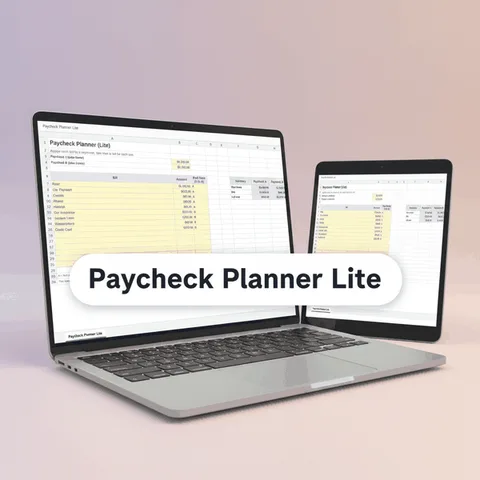
Biweekly pay means 26 paychecks a year, not 24, and bills that arrive monthly do not line up with it. The fix is to budget per paycheck: convert every bill into an amount for each payday, and use the two extra paychecks on purpose.
Why biweekly pay feels different
If you are paid every two weeks, your paydays fall on the same weekday, such as every other Friday. Most bills, though, follow the calendar: rent on the 1st, a phone bill on the 12th, insurance on the 20th. The two do not match, so in most months you get two paychecks, and in two months of the year you get three.
That is why a monthly budget can feel off. A budget that divides your monthly bills by two paychecks per month looks fine on paper, but it leaves money on the table in the three-paycheck months and does not reflect how much each paycheck needs to carry.
Step 1: Count your paychecks
| Item | Amount |
|---|---|
| Paychecks per year | 26 |
| Paychecks in a typical month | 2 |
| Months with three paychecks | 2 per year |
Look at a calendar and mark all 26 paydays. You will see which two months contain three. Plan around them in advance.
Step 2: Turn every bill into a per-paycheck number
Use this simple conversion:
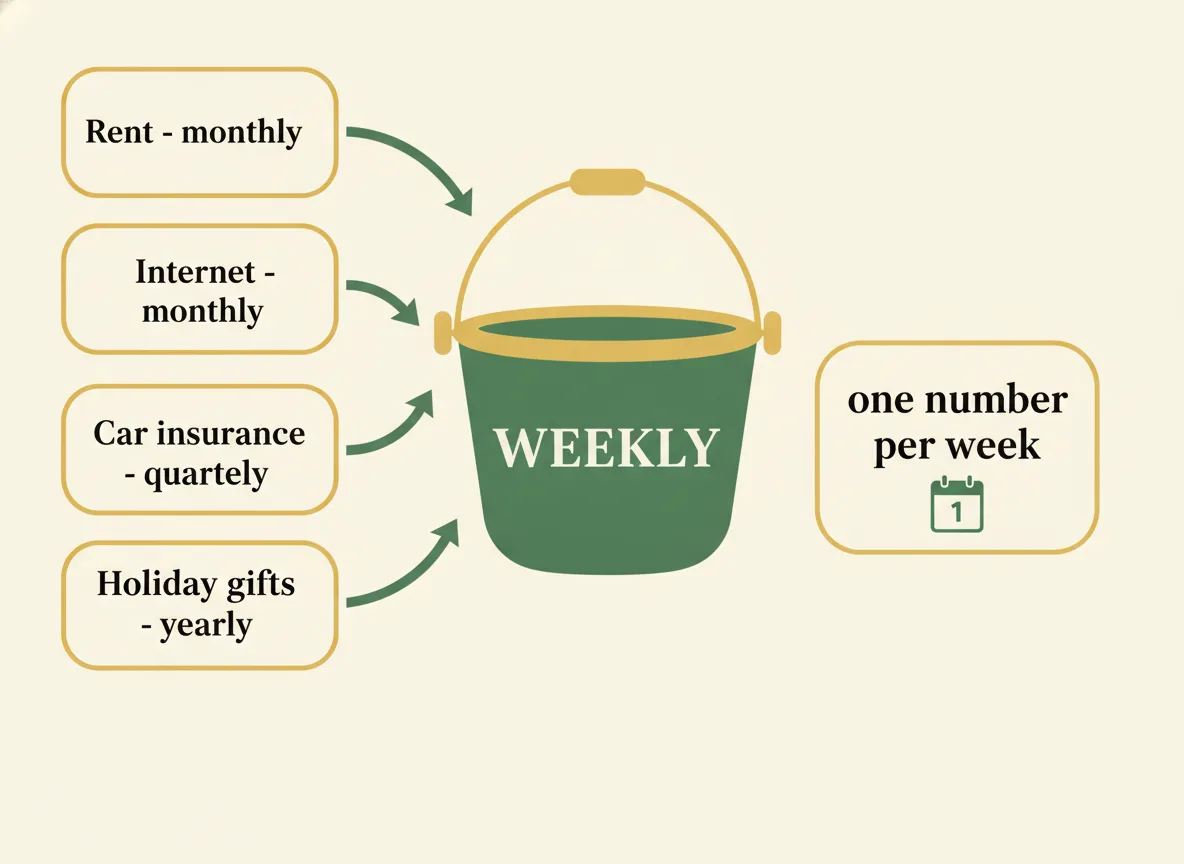
- Weekly cost × 52 ÷ 26 = per paycheck (that is, twice the weekly amount)
- Monthly bill × 12 ÷ 26 = per paycheck
- Quarterly bill × 4 ÷ 26 = per paycheck
- Annual bill ÷ 26 = per paycheck
For example, a monthly bill of 130 is 1,560 per year, which is 60 per paycheck. A yearly bill of 260 is 10 per paycheck. When you add these across all bills, you have the amount each paycheck must carry.
Note that this uses 26 paychecks, not 24. Dividing a monthly bill by two overstates what you need each paycheck, because the real number of paychecks is larger.
Step 3: Decide what each paycheck covers
Biweekly bills are different from monthly ones, because each paycheck has to cover the bills due before the next payday. Two common approaches:
- Split every bill evenly across all 26 paychecks. This makes each paycheck the same size and builds up the money for bills that are due later. It is the simplest method.
- Assign bills to the paycheck before their due date. Each paycheck pays specific bills. This is how many people with a tight budget prefer to do it, since it shows exactly where the money goes.
You can combine them: assign the large fixed bills such as rent to a specific paycheck, and spread the smaller and irregular ones evenly.
Step 4: Use the extra paychecks on purpose
The two months with three paychecks can be either a small windfall or a source of overspending. Because your budget is built on 26 per-paycheck amounts, the extra paychecks do not create a surplus by accident. They are simply two more of the 26. If you prefer, you can build the budget on 24 paychecks and treat the other two as extra:
- Add to an emergency or savings bucket.
- Pay down a debt.
- Fund an annual bill or a sinking fund.
Decide in advance, so the money does not disappear into everyday spending.
A sample biweekly budget
For a take-home pay of 1,900 per paycheck:
| Bucket | Per paycheck |
|---|---|
| Housing (rent or mortgage) | 650 |
| Utilities, phone and internet | 160 |
| Groceries | 280 |
| Transportation | 150 |
| Insurance | 110 |
| Debt payments | 140 |
| Annual and seasonal costs | 100 |
| Savings | 120 |
| Spending money | 150 |
| Total | 1,860 |
| Left to assign | 40 |
Notice that the housing line is 650 per paycheck. That is roughly 1,408 per month on average (650 × 26 ÷ 12), not 1,300. The per-paycheck figure comes from the annual cost, not from dividing the monthly bill by two. The exact result depends on your numbers.
Step 5: Check the calendar each month
At the start of each month:
- Mark which paychecks fall in that month.
- Mark the due dates of your bills.
- Confirm that each bill has a paycheck before it.
A printed calendar helps. The 2027 bill calendar has room to write what is due each day.
Doing it in a spreadsheet
Bucket Budget Planner supports a biweekly schedule directly. On the Setup tab you choose Biweekly, and the Buckets tab turns every bill or goal into an amount per week, per paycheck, per month and per year, using the right number of paychecks. The Dashboard shows what is left to spend per paycheck. In the included web app, the Paycheck Splitter shows which bills each paycheck covers, based on due dates and the date of your next payday.
For a spreadsheet designed around the 14-day rhythm, see the biweekly budget template guide. The general method for any schedule is in how to budget a paycheck, and a dedicated review of tools is in the paycheck planner guide.
This guide is general information, not financial advice.