Bill Calendar 2027: What to Put on It and How to Use It
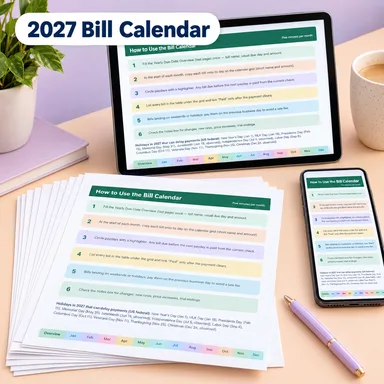
A bill calendar puts every due date on one page so you can see what is coming and which paycheck will pay for it. Below is a list of what to put on it, a five-minute monthly routine, and notes on how to make the most of the printable version.
Why a calendar helps
A list of bills tells you what you pay. A calendar shows when. Bills tend to bunch up: three due in the first week and nothing until the 20th. If your paycheck arrives between them, you want to know. A calendar also reminds you of the ones you only pay once or twice a year.
What to include
Use this list as a checklist. Write each item on its due day.
Monthly bills
- Rent or mortgage
- Electric, gas, water and trash
- Internet and phone
- Car payment and car insurance
- Student loan, personal loan and credit card payments
- Streaming and other subscriptions
- Gym membership
- Child care
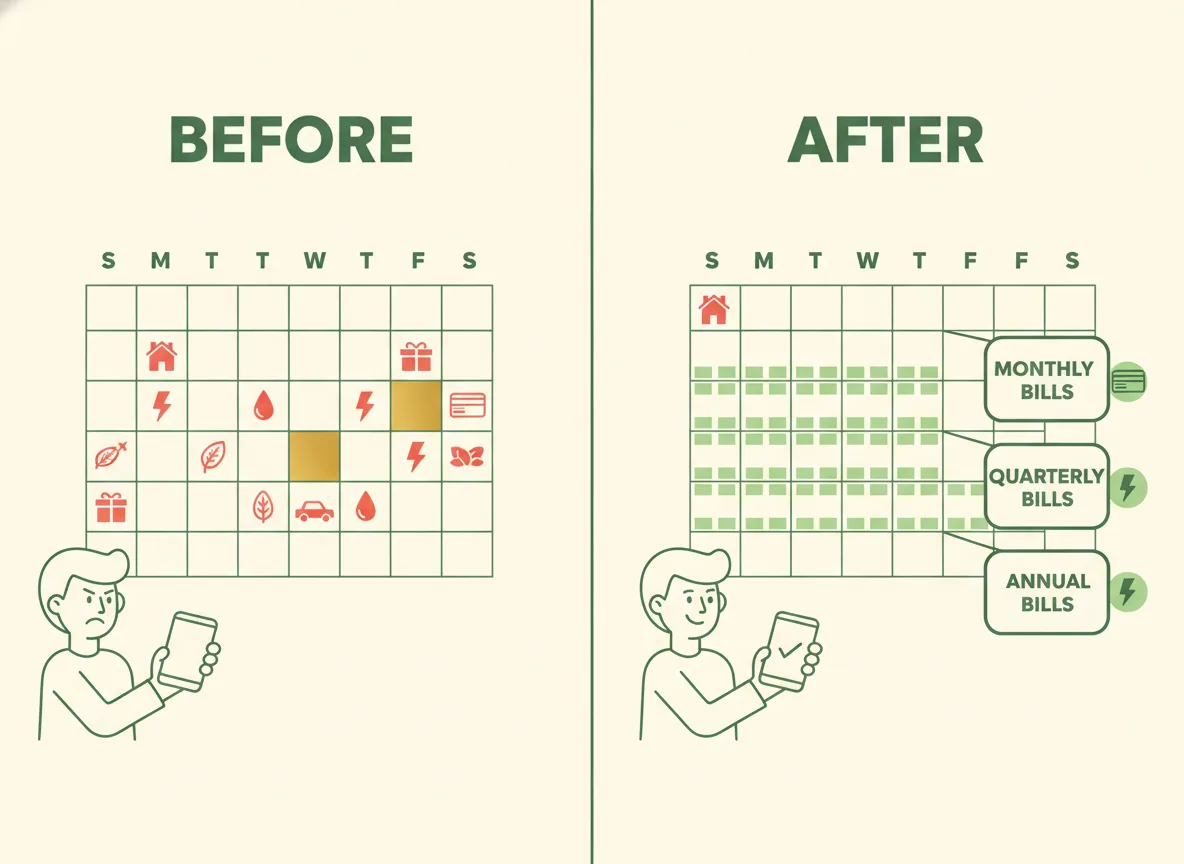
Quarterly bills
- Estimated taxes, for self-employed people
- Water and sewer, where billed quarterly
- Pest control
- Homeowner association dues, where billed quarterly
Yearly and twice-a-year bills
- Car and home insurance, if not billed monthly
- Vehicle registration and inspection
- Warehouse club and roadside assistance memberships
- Domain, hosting and software renewals
- Property tax
- Professional license renewals
- Annual vet visits
Seasonal and planned costs
- Holiday gifts and travel
- Birthdays and anniversaries
- Back-to-school costs
- Summer camp deposits
- Tax preparation
The monthly routine (about five minutes)
- Start of the month: copy each bill onto its due day. A short name and the amount is enough.
- Mark your paydays with a highlighter or circle.
- Check each bill: is there a payday before it? If a bill is due before the next paycheck, it must be paid from the current one.
- Tick "paid" only after the payment clears.
- Look at the notes box for changes such as new rates, price increases or the end of a trial period.
- Glance two months ahead for any big yearly bill.
Reading the calendar
Look for these patterns:
- A busy week. If several large bills land together, you may want to pay some early or set money aside before.
- A gap between paychecks. If a long stretch has no payday but many bills, you need to carry money forward.
- Months with three paychecks. If you are paid every two weeks, two months have three. See how to budget when you are paid biweekly for how to use them.
- Months with many yearly bills. If insurance, registration and a membership all land in the same month, start saving earlier. The idea is explained in what are sinking funds.
Weekends and holidays
If a bill falls on a weekend or holiday, rules differ by company and payment method. A common approach is to pay on the previous business day, especially if a late fee applies. Check the terms of each lender.
A yearly overview helps
Besides the monthly pages, it is useful to have one page with every bill in a row and a column for each month. Then you can see at a glance which months carry the heavy bills. Fill it once at the start of the year and update it when something changes.
Printable layout in Bucket Budget Planner
Bucket Budget Planner includes a 2027 Bill Calendar as a printable PDF with twelve monthly calendars (weeks start on Sunday), room to write what is due each day, a table under the grid for the bill, due date and a paid tick, a notes box, and a one-page yearly due-date overview. A short how-to page explains the five-minute monthly routine.
The calendar works together with the budget planner. On its Buckets tab, you enter each bill with how often it is due, and the sheet converts it to a per-week and per-paycheck amount, so you know how much to set aside. The included web app also has an Annual Bills Calendar that places yearly and quarterly bills by month, and a Paycheck Splitter that shows which bills each paycheck covers. The Budget Reset Checklist, also a printable PDF, includes a step for marking annual and quarterly bills on the calendar.
To set up a tracker for the bills that arrive once or twice a year, see how to track sinking funds. If your budget has drifted, the budget reset checklist shows how to rebuild it in about 90 minutes.
This guide is general information, not financial advice.