Biweekly Budget Template: What It Needs and How to Use One
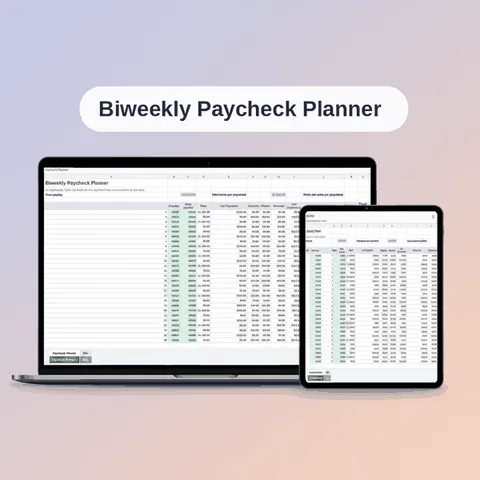
A biweekly budget template should be built around paychecks, not months. Paid every 14 days, you receive 26 paychecks a year. A template made for a monthly pay schedule quietly assumes 24 or 12, and the difference shows up as a budget that never quite works.
This guide lists what to look for in a biweekly template and shows how to set one up, whether you build it yourself or start from a ready-made file.
What a biweekly template needs
1. A pay schedule setting
The template should let you choose how you are paid and use the right number of paychecks: 26 for biweekly. A good one also supports weekly (52), semi-monthly (24) and monthly (12), in case your job changes.
2. Per-paycheck amounts for every bill
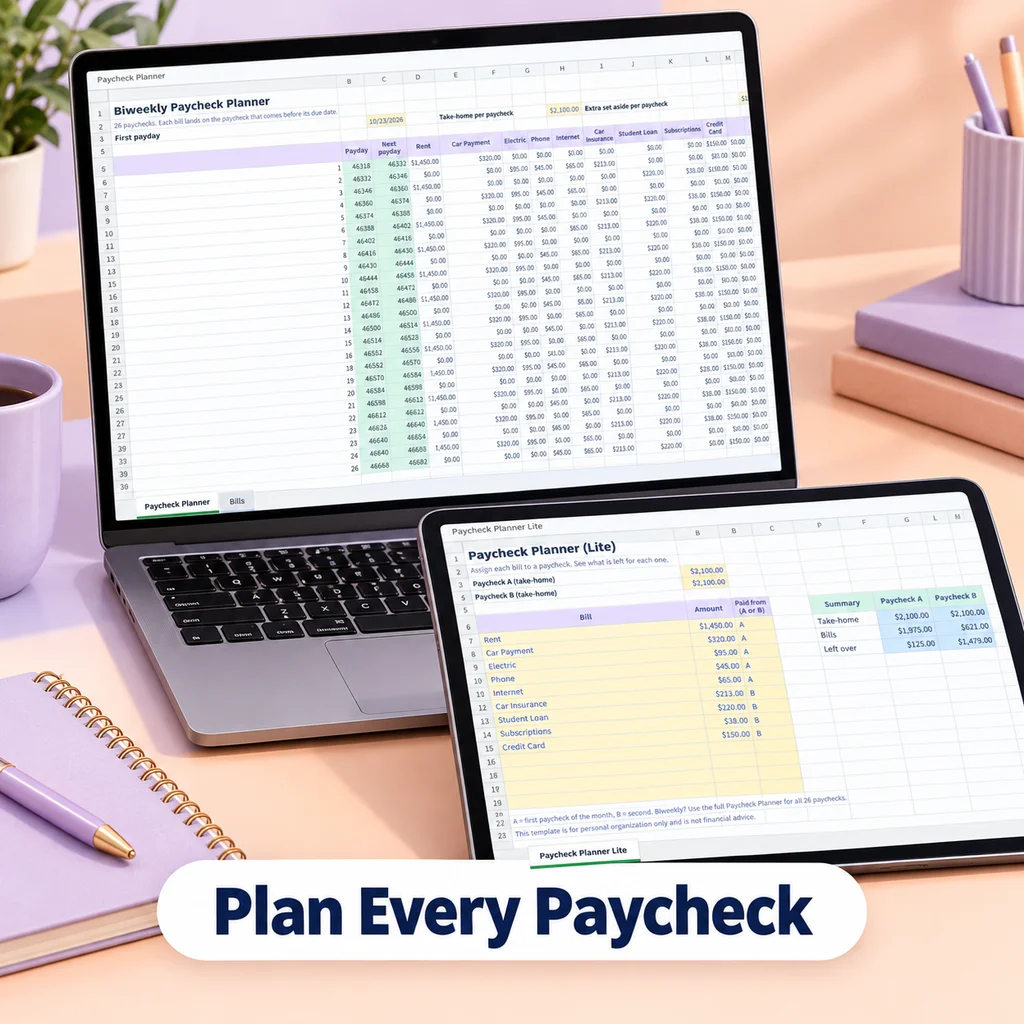
Bills arrive at different frequencies. The template should accept a bill with its amount and its frequency, then calculate how much each paycheck must carry. The formula is:
yearly cost ÷ 26 = amount per biweekly paycheck
where yearly cost is the monthly amount × 12, the quarterly amount × 4, the weekly amount × 52, or the yearly amount as is.
3. Room for yearly and quarterly costs
Annual insurance, registration, gifts and subscriptions are the usual budget breakers. A template without a way to handle them leaves you to deal with them separately. See what are sinking funds for why this matters.
4. A total that compares with income
At the bottom, you need one number: income per paycheck minus everything assigned. Positive means money left over. Negative means over budget.
5. A view of the two three-paycheck months
A biweekly year has two months with three paychecks. The template does not need to hide them. It helps if you can see them and decide what the extra paychecks will do.
6. A place to record actual spending
Plans improve when compared with what happened. A monthly or per-paycheck tracking section makes that easy.
7. Simple to use on a phone
Many people check their budget on a phone. Plain formulas, dropdowns and no macros help it work in a Google Sheets app.
A basic layout you can build yourself
If you want to make your own, this is the minimum:
| Column | Contents |
|---|---|
| A | Bill or goal name |
| B | Category |
| C | Amount |
| D | Frequency (weekly, biweekly, semi-monthly, monthly, quarterly, annual) |
| E | Per year (= amount × times per year) |
| F | Per paycheck (= per year ÷ 26) |
| G | Due date or notes |
At the top, put your take-home pay per paycheck. At the bottom, total column F and subtract it from the paycheck.
A sample row set for a pay of 1,900:
| Bill | Amount | Frequency | Per year | Per paycheck |
|---|---|---|---|---|
| Rent | 1,300 | Monthly | 15,600 | 600.00 |
| Phone | 70 | Monthly | 840 | 32.31 |
| Car insurance | 600 | Quarterly | 2,400 | 92.31 |
| Groceries | 120 | Weekly | 6,240 | 240.00 |
| Registration | 150 | Annual | 150 | 5.77 |
The sums are examples. What matters is the pattern.
Biweekly vs semi-monthly: a common mix-up
Biweekly means every two weeks, on the same weekday. Semi-monthly means twice a month, on fixed dates such as the 1st and the 15th. Biweekly gives 26 paychecks and semi-monthly gives 24. A template that treats them the same will be off by about 8 percent in the per-paycheck amounts. Make sure you choose the right one.
Using the template well
- Set your first payday. Mark every 14th day after it for the year.
- Enter income for each paycheck.
- List the bills, with their frequency.
- Read the totals. Adjust until you have a plan that balances.
- Mark the due dates on a calendar so you know which paycheck covers what. The 2027 bill calendar can help.
- Review monthly, and especially before a three-paycheck month.
For a longer discussion of how to approach the schedule, see how to budget when you are paid biweekly.
Handling the three-paycheck months
Because 26 paychecks do not divide evenly into 12 months, two months of the year bring a third paycheck. A template can treat them in one of three ways:
- Build on 26. Every bill is divided by 26, so each paycheck carries its fair share and the extra paychecks are already part of the plan. This is the most accurate.
- Build on 24 and keep two as extras. The regular plan uses two paychecks per month, and the two extra paychecks go to a goal, a debt or a yearly bill.
- Build on the two-paycheck months only. This is the simplest, but it leaves out two paychecks, and it can mislead you when a bill lands in a three-paycheck month.
Whichever you choose, decide before the extra paychecks arrive. Write on your calendar which months they fall in, and what they are for.
A ready-made option
Bucket Budget Planner is a spreadsheet that works this way. On the Setup tab, you pick Biweekly (or weekly, semi-monthly or monthly) and enter your income sources. On the Buckets tab, you list each bill with an amount and a frequency from a dropdown, and the sheet calculates the weekly, per-paycheck, monthly and yearly amounts. The Dashboard shows total income, total set aside and what is left to spend, per week and per paycheck. The file is built with plain formulas, so there are no macros or add-ons, and it imports into Google Sheets. A Quick Start Guide walks through the import.
The included web app has a Paycheck Splitter: pick the date of your next paycheck, and it shows which bills that paycheck covers, based on due dates and your pay frequency.
For the general method that applies to any schedule, see how to budget a paycheck. If you want to compare tools that work paycheck by paycheck, see the paycheck planner guide.
This guide is general information, not financial advice.