Budget Checklist: A 7-Step Reset for a Budget That Fell Apart
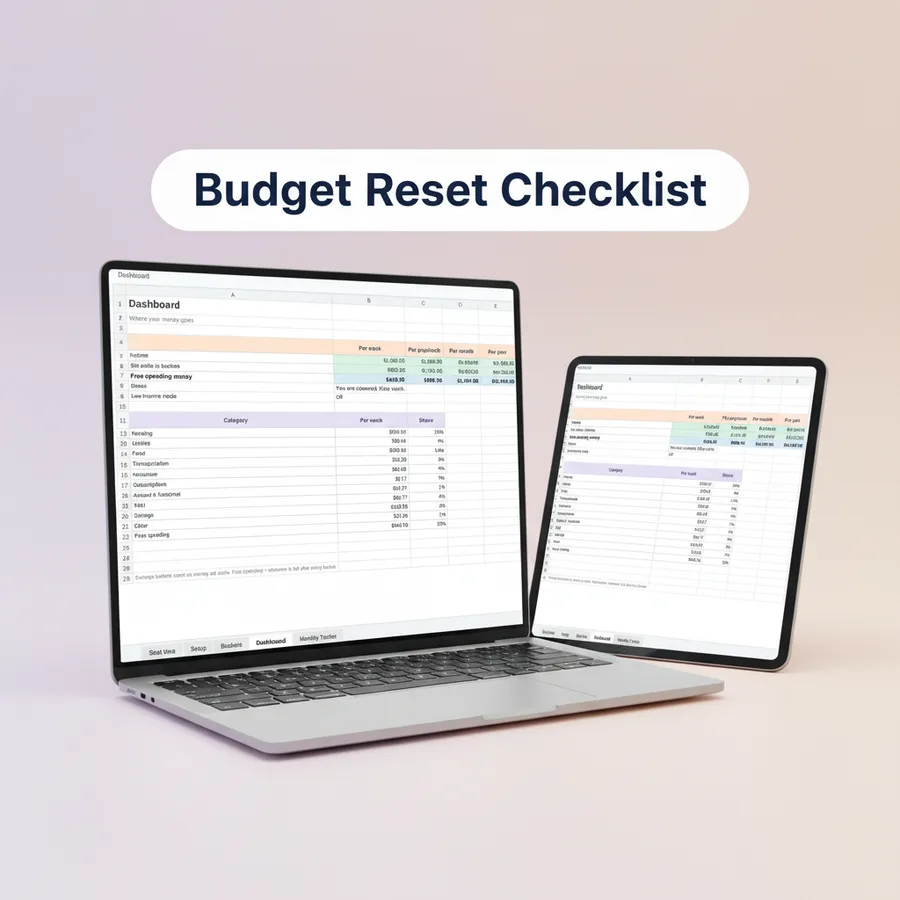
A budget that fell apart can be reset in about 90 minutes. You do not need to feel bad about it or start over with a new system. You need current numbers, a short list of buckets and a plan for the next paycheck. Use this checklist, step by step.
Before you begin, gather your last two months of bank and card statements, a pen or a spreadsheet, and a quiet hour and a half.
The checklist
☐ Step 1: Gather the evidence (about 10 minutes)
Open or download the last two months of bank and card statements. You are looking for what really happened, not what you meant to happen. Collect, do not judge.
☐ Step 2: List every bill and subscription (about 15 minutes)
Write down rent or mortgage, utilities, insurance, phone, loans, streaming and apps. Include the ones billed yearly or quarterly. These cause most budget surprises because they do not appear on every statement.
☐ Step 3: Give each one a bucket (about 10 minutes)
Group your list into a small number of buckets, such as housing, food, transport, utilities, debt, savings, fun and giving. Six to eight buckets are enough. If a cost does not fit anywhere, create a small bucket for it. For ideas, see the budget categories list.
☐ Step 4: Convert everything to a weekly or per-paycheck number (about 15 minutes)
Different bills come at different rhythms, so put them on the same scale:
- Monthly amount × 12 ÷ 52 = weekly amount
- Yearly amount ÷ 52 = weekly amount
- Divide by your number of paychecks to get the amount per payday
If you are paid every two weeks, divide the yearly amount by 26. A yearly cost of 520 is 10 per week or 20 per biweekly paycheck.
☐ Step 5: Mark annual and quarterly bills on a calendar (about 10 minutes)
Write the due month of every bill that is not monthly on a calendar, and open a small savings bucket for each so the money is waiting when the bill arrives. A printable 2027 bill calendar works well for this. The reasoning behind it is in what are sinking funds.
☐ Step 6: Decide what each paycheck covers (about 15 minutes)
Plan your next paycheck. Start with the bills due before the next payday, then fill each bucket, until what you have left to assign reads zero. Use the lowest income you can count on if your pay varies.
☐ Step 7: Set one small goal and one weekly check-in (about 15 minutes)
Pick a starter goal you can reach within 30 days, such as a small buffer. Then book ten minutes on the same day every week to look at your buckets. Habit matters more than precision.
A 30-day plan after the reset
The first month is where the habit forms. One way to pace it:
| Week | Focus | Actions |
|---|---|---|
| 1 | See everything | Finish steps 1 to 3, cancel or pause at least one subscription, set up your buckets |
| 2 | Put numbers on it | Convert every bill to a weekly number, open buckets for annual bills, plan your next paycheck down to zero left to assign |
| 3 | Run it live | Move money to each bucket on payday, review mid-week, call one provider about lowering a bill |
| 4 | Review and lock in | Compare planned and actual per bucket, move any leftover toward your goal, pick one change for next month |
Quick monthly budget checklist
After the reset, a short monthly list keeps things on track:
- ☐ Update your income if it changed.
- ☐ Check that every bill due this month is in a bucket.
- ☐ Move money to buckets on each payday.
- ☐ Record what you actually spent.
- ☐ Compare planned and actual for each bucket.
- ☐ Adjust the amounts that are consistently too high or too low.
- ☐ Check upcoming annual bills for the next two or three months.
- ☐ Choose one small improvement for next month.
Common reasons a reset fails
- Too many categories. If you track thirty lines, you may stop after a week. Start with fewer.
- A plan with no slack. An overly tight plan breaks at the first surprise. Include a buffer.
- Missing yearly costs. If a gift or registration was not in the plan, the plan will feel wrong in that month.
- No check-in. A plan without a review date drifts.
Doing the reset with a tool
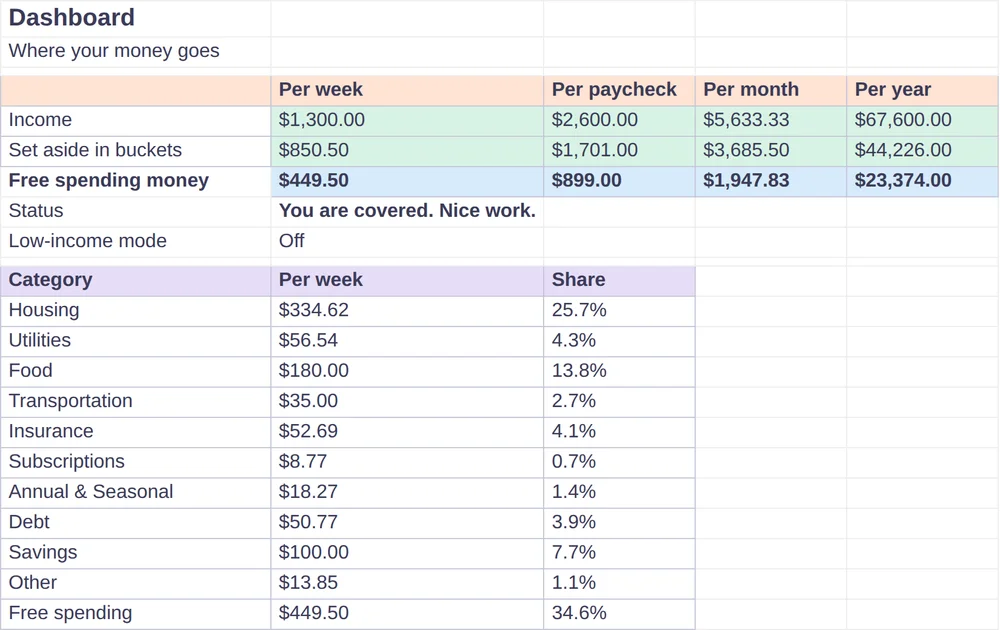
Bucket Budget Planner includes this checklist as a printable PDF, the Budget Reset Checklist, with the seven steps, a Money Map page to fill in accounts, debts and subscriptions, and a 30-day plan. It also includes a Quick Start Guide for importing the Excel planner into Google Sheets, and the planner itself, which converts each bucket to weekly, per-paycheck, monthly and yearly amounts. The Monthly Tracker tabs compare your planned amounts with what you actually spent. For the monthly routine, see the monthly spending tracker guide, and for the method behind buckets, read what is bucket budgeting.
This guide is general information, not financial advice.