Printable Monthly Budget Pages: What to Look For and How to Use Them
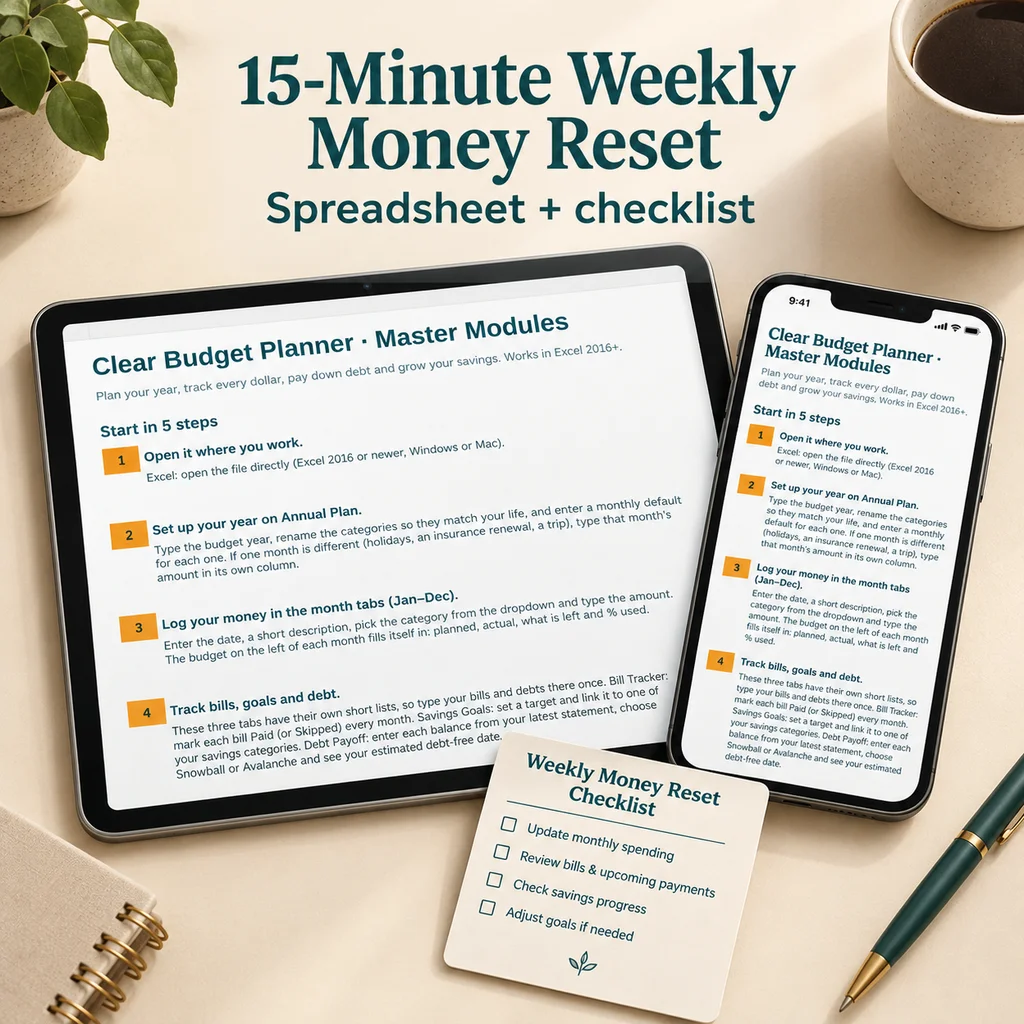
A good printable monthly budget has a page for each month, a place to list income and bills, a spending log and a way to compare planned and actual amounts. Paper has real advantages: no screen, nothing to log in to and a plan you can pin where you will see it. This guide explains which pages matter, how to use them and when to combine paper with a spreadsheet.
Pages worth having
| Page | Purpose |
|---|---|
| Annual overview | Income, savings and big expenses for the whole year on one sheet |
| Monthly budget (12 pages) | Planned versus actual for each category, one page per month |
| Bill list | Due dates, amounts, paid check-offs |
| Account tracker | Balances at the start and end of each month |
| Savings tracker | Progress toward each savings goal |
| Goals page | What you are working toward and by when |
If you are comparing sets, check that there is one page per month. A single reusable page means writing a new one every time, which is fine, but it makes it hard to compare months.
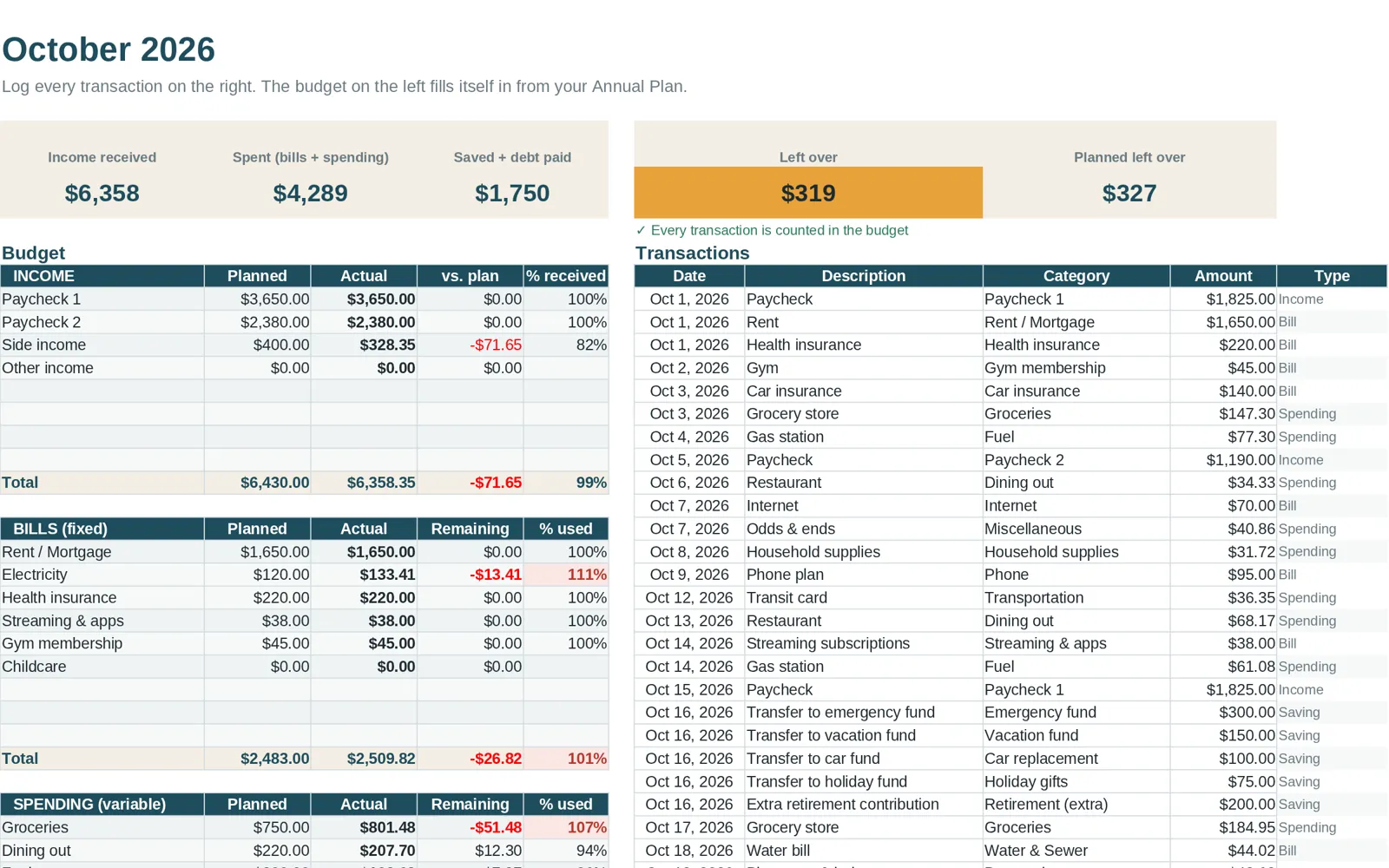
How to fill in a monthly page
- Income: write the take-home pay you expect.
- Fixed bills: list rent or mortgage, utilities, insurance, loans, phone and subscriptions with their amounts.
- Variable categories: write a planned amount next to each: groceries, fuel, dining out, personal, household and so on.
- Savings and debt: write what you will set aside or pay beyond the minimums.
- Log purchases: use the spending log or tick them off as you go.
- Month end: total each category, compare with the plan and note one thing to adjust.
Paper or spreadsheet?
| Printable | Spreadsheet | |
|---|---|---|
| Math | You add it up | Formulas do it |
| Visibility | On a wall or desk | On a screen |
| History | A stack of pages | One file, searchable |
| Sharing | Hand over the page | Share the file |
| Flexibility | Rewrite by hand | Change categories in a click |
| Distractions | None | Other tabs and notifications |
Many people combine both: the spreadsheet for tracking and totals, a printed month or yearly overview on the fridge for a quick look. If you like the sound of that, the monthly budget template guide explains the spreadsheet side.
Tips for using paper budgets
- Use a pencil for planned amounts you expect to revise.
- Keep the pages together in a folder or binder.
- Set a weekly time to update them. Habit matters more than format.
- Bring receipts to the weekly session or photograph them for later.
- Print a spare of the pages you use most, so a mistake does not mean a gap.
Printing from a spreadsheet
If your budget lives in a spreadsheet, you can still print it:
- Choose the tab you want.
- Open the print settings and set the page to landscape or portrait as needed.
- Use "fit to width" so columns are not cut off.
- Print only the selection if the tab is large.
- Save as PDF if you want a copy to share.
Common mistakes
- Printing the whole year's pages and not using them. Print the next month, not the next twelve.
- Using a layout with too many boxes, which makes entries feel like homework.
- Losing track of bills. Pair the monthly page with a bill tracker.
- Not reviewing. A filled-in page that nobody reads does not change anything.
What comes with Clear Budget Planner
Clear Budget Planner is a spreadsheet workbook for Excel and Google Sheets with 21 tabs, including a Dashboard, Annual Plan, twelve monthly tabs, Year Summary, Bill Tracker, Savings Goals, Debt Payoff and Net Worth. Among its bonuses is a PDF called Printable Monthly Budget Pages, 18 pages in all: an annual overview, 12 monthly pages, account and savings trackers and a goals page to print. So you can keep the totals in the spreadsheet and still have paper pages for the fridge or your desk.
For a broader look at the options, see the budget spreadsheet guide.