Bill Tracker in Google Sheets: A Simple Setup That Works
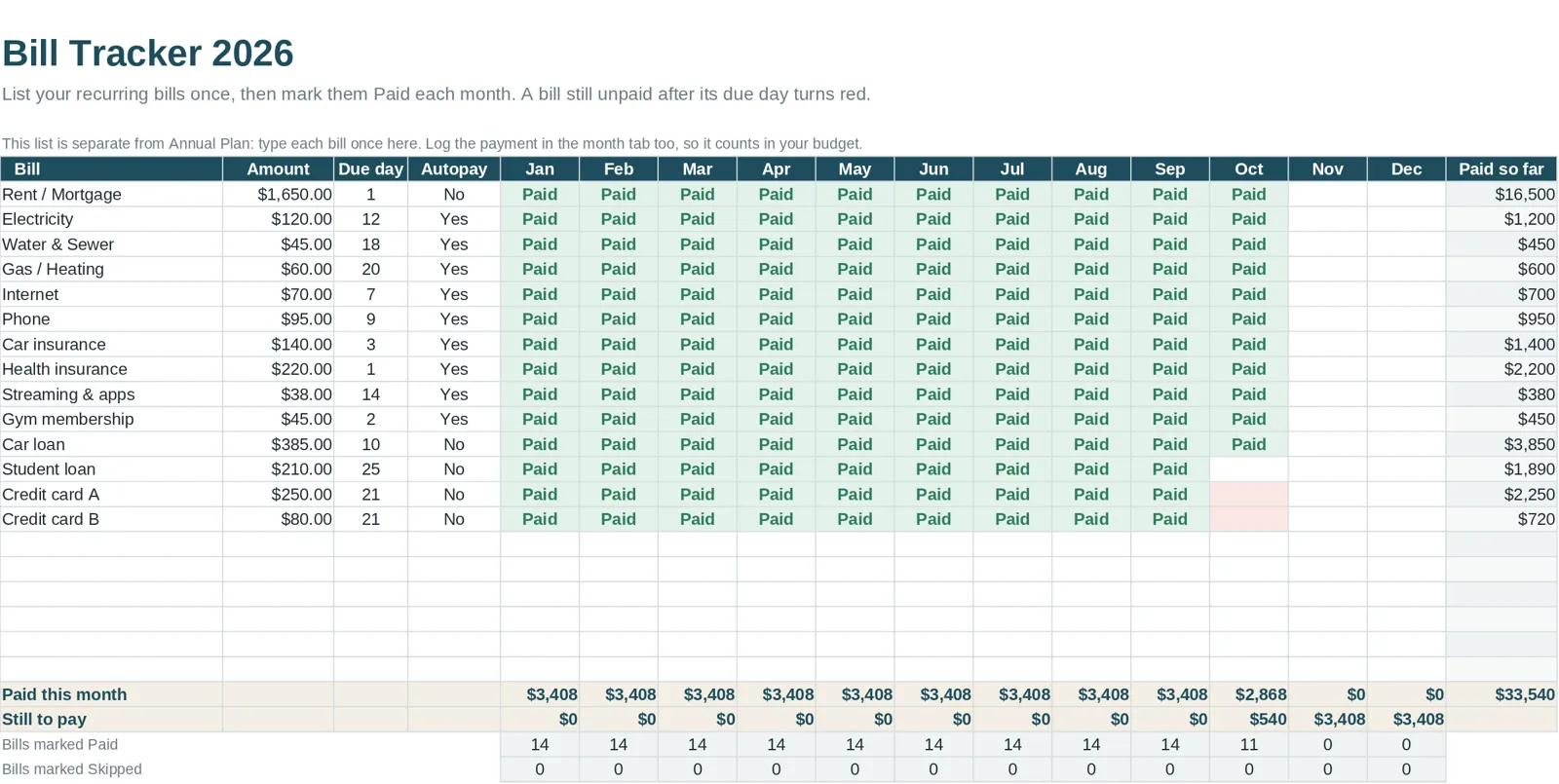
A bill tracker is a table with one row per bill, showing the amount, due date and whether it is paid. In Google Sheets or Excel you can build one in about twenty minutes. The aim is simple: no bill gets missed, and you can see what is coming before your account balance drops.
Why a separate bill tracker
A budget tells you how much to spend on utilities in a month. It does not tell you that the electric bill is due on the 9th, the insurance on the 15th and the credit card on the 22nd. Late fees and missed payments come from timing, not totals. A bill tracker puts the dates in front of you.
The columns to include
| Column | Example | Why |
|---|---|---|
| Bill name | Electric | What it is |
| Category | Utilities | Links it to your budget |
| Amount | 85 | Fixed bills are exact, variable ones are estimates |
| Due date | 9th | The key field |
| Autopay | Yes or no | Reminds you which ones need action |
| Paid | Checkbox | Your quick status |
| Date paid | Text or a date | Useful if there is a dispute |
| Notes | Account number last four digits, login hint | Keep it non-sensitive |
Do not store full account numbers or passwords in a spreadsheet.
Set it up in Google Sheets
- Create the table. Put the headers in row 1 and one bill per row below.
- Add the paid checkbox. Select the Paid column cells and choose Insert > Checkbox.
- Sort by due date. Use Data > Sort range or create a filter so the next bill is at the top.
- Highlight what is due soon. Use Format > Conditional formatting. A rule such as "due date is within the next 5 days and Paid is unchecked" can turn the row yellow.
- Highlight what is late. Another rule: "due date is before today and Paid is unchecked" turns the row red.
- Add a total. A formula such as `=SUM(C2:C30)` shows the month's bill total, and `=SUMIF(F2:F30, FALSE, C2:C30)` shows what is still unpaid.
In Excel the steps are the same with different menu names: Insert > Checkbox (in recent versions), Conditional Formatting under the Home tab, and Sort & Filter.
A weekly bill routine
- Open the tracker on the same day you do your spending check-in.
- Sort by due date and look at the next two weeks.
- Confirm there is enough in the account for what is coming.
- Pay the ones that are not on autopay and check them off.
- Update amounts for variable bills as statements arrive.
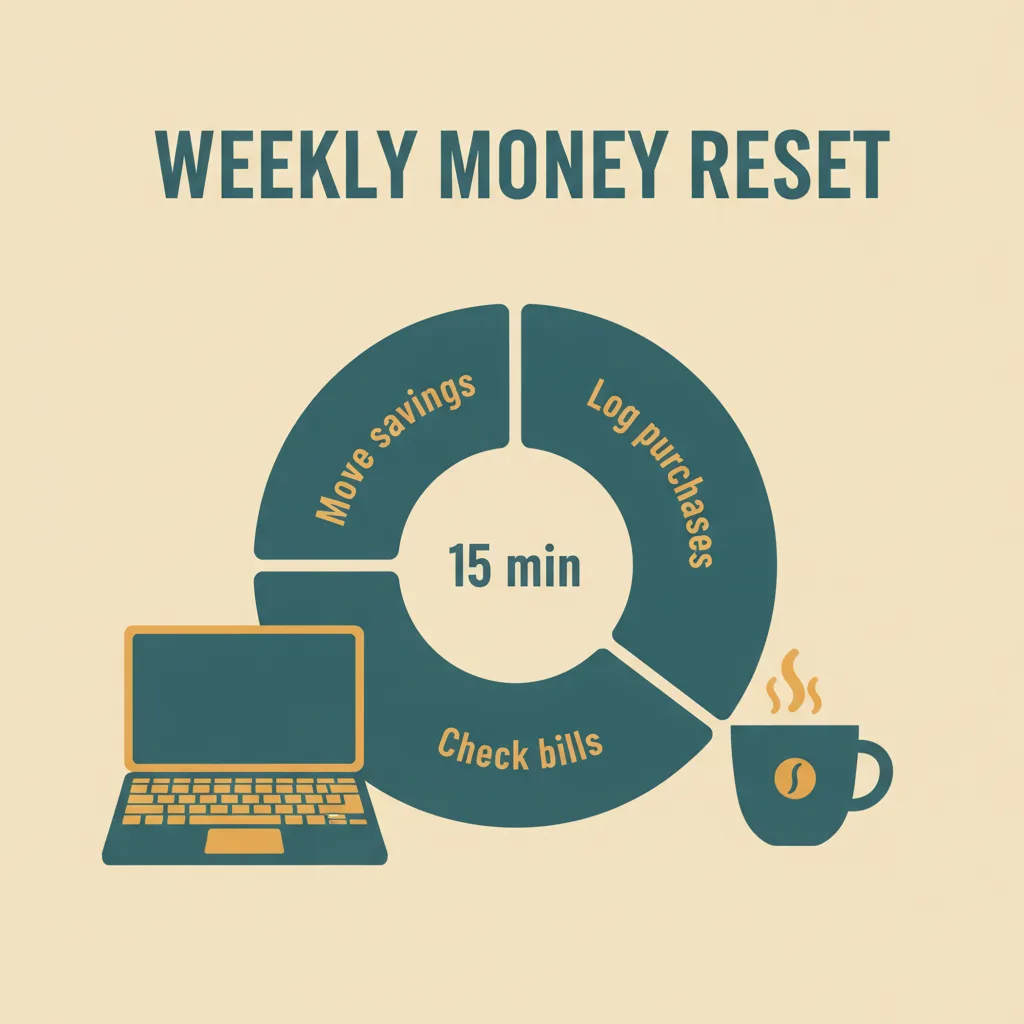
This takes five minutes and pairs naturally with logging purchases. See how to track spending.
Handling uneven or annual bills
Some bills do not arrive monthly. For quarterly, semiannual and annual bills, add a row for the month they are due and a sinking fund in your budget that sets aside a twelfth of the amount each month. That way the bill is covered when it arrives.
Autopay: help and hazard
Autopay avoids missed payments, but it can also hide price increases and old subscriptions. Check autopay bills at least quarterly. A bill tracker with an Autopay column makes that review quick.
Common mistakes
- Tracking only fixed bills. Include variable ones with an estimated amount.
- Forgetting due-date differences. Some bills are due on the first of the month, others four weeks after the statement date. Use the actual date.
- Not updating after a change. If a bill amount changes, edit the row now.
- Keeping it separate from the budget. Link the two so your monthly plan reflects the real bills. See the monthly budget template guide.
A paper alternative
If you prefer paper, a printable monthly page with a bill list works too. See printable monthly budget pages for what to look for.
The bill tracker inside Clear Budget Planner
Clear Budget Planner includes a Bill Tracker tab that shows what is due, what is paid and what is coming up, so you can see cash flow at a glance. It sits beside the Annual Plan, twelve monthly tabs, Dashboard, Year Summary, Savings Goals, Debt Payoff and Net Worth tabs in a 21-tab workbook for Google Sheets and Excel. You receive a blank workbook and a filled-in example, plus a Getting Started guide.